
160 tweaks, all reversible
Visual, taskbar, system, power, games, privacy, cleanup. Every switch captures its original first — Restore hands the machine back exactly as Windows had it.
Two apps, one idea: a plan that answers faster, a theme that feels like you, a score that says what to fix — and the original value of every setting kept for the way back.
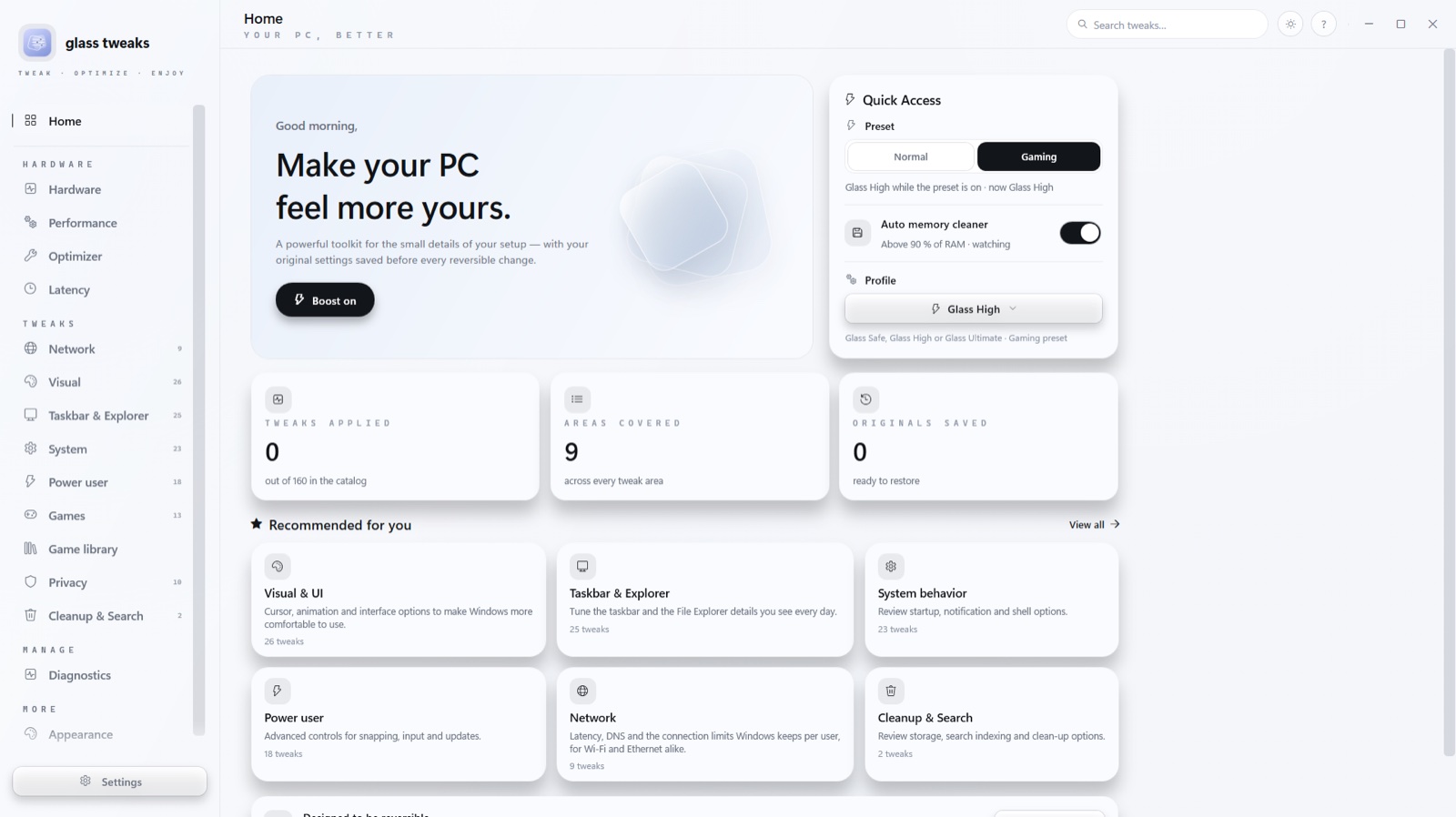
Tweaks change how Windows behaves. The monitor shows what the parts are doing. Diagnostics scores the whole machine out of a hundred. Each half stands alone — together they’re the whole toolkit.
Visual, taskbar, system, power, games, privacy, cleanup. Every switch captures its original first — Restore hands the machine back exactly as Windows had it.
Loads, clocks, temperatures, fans and drives read from the parts themselves — with a sensor driver the app installs once, on the first run.
Five pillars — latency, thermals, storage, bloat, network — one score. Every row says what it earned, and each lost point carries its own fix.
A library that watches for a game taking the screen and applies its switches: priority, GPU preference, fullscreen flags, Game Mode. Then releases them.
The universal boost and the deep system pass run together: performance settings in one batch, the plan, the memory, the caches it can prove nobody needs.
While it runs, Discord shows Playing Glass Tweaks — the page you’re on, the boost state, and elapsed time. Local pipe only, one switch in Settings.
Nineteen Windows screens, five on macOS — the real app, captured from real builds. Flip the switch, step through with the arrows, click to look closer.
The Windows build ships from this page. macOS builds ship through releases while the signed package is finished — the source builds today with Swift and Xcode tools.
The full app: all 160 tweaks, the monitor, diagnostics, the Glass Engine, Discord presence. Per-user install, no admin prompt, signed.
Download the latest installerThe Mac app is real and running — tray, palettes, game discovery — and its signed package is being finished. Until then, releases carry the latest build.
Get the Mac buildPrefer to build it yourself? The Swift source is in the repo — releases carry the notes.
No — because nothing it changes is final. Every tweak captures the original value before writing, and Restore, the boost’s off switch, and the uninstaller all hand the machine back. The uninstall pass runs before the files go.
Only for the switches that genuinely need them: real-time priority, the TCP stack, the sensor driver, the standby list. Everything else runs as a standard account, and each admin switch says so where it sits.
Yes — the whole app, every screen, no tiers. There is no account, no ad, and no telemetry. The update check is one HTTPS request for a small file, and Settings can switch even that off.
The app asks its update file on launch. When a newer build is published, restart Glass Tweaks and it fetches the new build itself — settings, library and saved originals stay where they are.
Only to the Discord client on your own machine, over Discord’s local named pipe: the page you’re on, whether the boost is engaged, and how long the app has been open. One switch in Settings turns it off, and it says nothing while Discord is closed.
In one folder under your roaming profile: the theme, the captured originals, the game library, the boost log and the update log. Deleting that folder returns the app to the state it shipped in.
Five minutes, one installer, and the machine starts answering faster.